






Today we got into a discussion about how to create the perfect home office layout and we wanted to share some helpful tips going about it! Imagine a space where technology is seamlessly integrated, boosting your productivity while offering comfort and convenience. So, let’s explore everything you need to know to create the ultimate home office layout. From when to choose the right gadgets to designing an ergonomic setup, we’ll cover it. Whether you’re a tech novice or a seasoned smart home enthusiast, we’ll help you design a workspace that meets your needs.
Plan Your Space (We loved using Magicplan)
Before diving into gadgets and furniture, start by planning your space with magicplan. This app allows you to create a virtual floor plan using just your smartphone camera. You can experiment with different layouts, visualise how furniture and tech will fit, and even test lighting setups—all before spending a penny. Using magicplan ensures you make informed decisions and avoid cluttering your home office layout. It’s particularly useful for checking where to place smart desks, ergonomic chairs, and even wall decorations for optimal coverage. With 3D and augmented reality features, you can visualise how different setups will look and feel, helping you avoid costly mistakes. 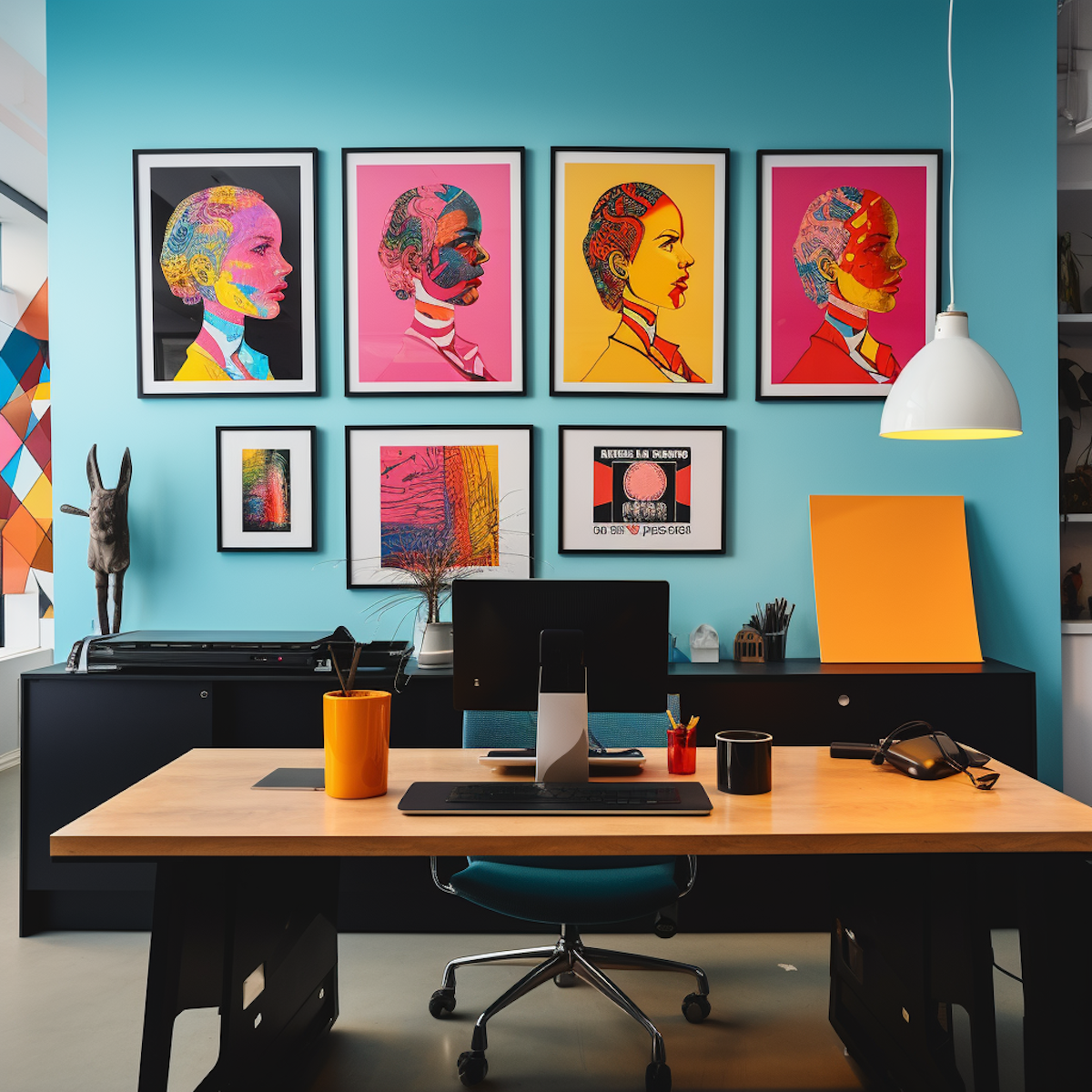 Expert Design Tips:
- Test Multiple Layouts: Try different furniture arrangements to find the best flow and balance.
- Plan Cable Management: Map out tech placement to minimise visible cables and improve safety.
- Simulate Lighting: Use the app to test how natural and artificial lighting affect your space throughout the day.
- Scale with Precision: Use measurement tools within magicplan to avoid purchasing oversized or undersized furniture.
- Save Your Layouts: Create multiple plans and revisit them to see which feels most practical over time.
Understanding Your Needs and Space
Before investing in tech, consider your specific needs. Are you a freelancer needing a quiet zone or leading daily virtual meetings? Your work style influences the tools and gadgets you should prioritise. Evaluate your space limitations too. Whether you have a dedicated room or a small corner, knowing your spatial constraints helps you create a functional and comfortable home office layout. Use tools like magicplan to accurately measure your space and avoid over-purchasing furniture or tech that doesn’t fit. 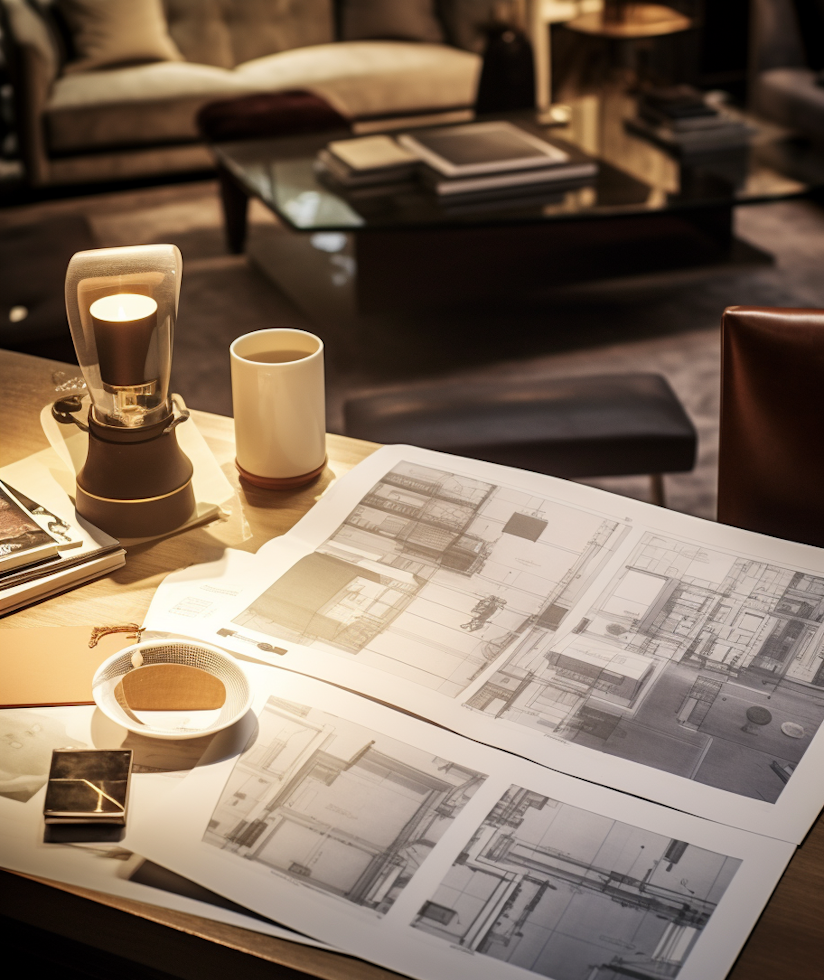 Actionable Steps:
- Review Work Habits: Identify whether you need more desk space, better lighting, or additional tech based on daily tasks.
- Measure Your Space: Use tools like magicplan to create a precise floor plan, ensuring every piece of furniture fits.
- Choose Modular Furniture: Select items that can adapt to different layouts and changing needs.
- Consider Acoustics: Soft furnishings and rugs can help reduce noise if your office needs to be quiet for calls.
- Leave Room for Growth: Design your space with future upgrades in mind, like additional monitors or smart devices.
Common Mistakes to Avoid
Creating a smart home office is exciting, but there are common pitfalls to watch out for:
- Overbuying Gadgets: Start with essentials and gradually add more tech as needed. This prevents clutter and unnecessary expenses. Make a list of ‘must-haves’ and ‘nice-to-haves’ to stay focused.
- Ignoring Ergonomics: Tech is great, but comfort is key. Invest in an ergonomic chair and set up your monitor at eye level. An ergonomic setup can reduce the risk of physical strain and improve productivity.
- Forgetting Cable Management: A cluttered desk can reduce productivity. Use cable ties, trays, and smart plugs to keep everything neat. Hidden cable tracks and wireless charging stations can also enhance the clean look.
- Not Testing Wi-Fi Coverage: Smart devices need strong connectivity. Test your Wi-Fi range and consider mesh systems if needed. A poor connection can disrupt work, especially during virtual meetings.
- Neglecting Power Needs: Avoid having all devices on a single power strip. Distribute power sources to reduce the risk of overloads and maintain safety standards.
Creating a Multi-Functional Space
To make the most of your home office layout, consider making it a multi-functional space. Use foldable desks, smart storage solutions, and convertible furniture. For example, a desk with a built-in treadmill, sofa beds, or a chair that doubles as storage can maximise both space and productivity. Smart home technology like Amazon Echo devices can also support a multi-purpose environment, allowing you to switch from work mode to relaxation mode with just a voice command. Pro Tip: If your office doubles as a guest room or hobby space, choose furniture that can easily be moved or repurposed. Wall-mounted folding desks or fold-out tables are excellent for saving space. 
Budgeting and Prioritising Purchases
When building a smart home office, costs can add up quickly. Prioritise spending on items that will have the most impact. Start with a smart desk and an ergonomic chair, then gradually add other gadgets like smart lighting and smart speakers. Look out for sales and refurbished items, and don’t be afraid to start small. You can always upgrade as your budget allows. Apps like magicplan can also help you plan purchases by providing a clear view of what will fit and where. Expert Budgeting Tips:
- Create a Budget: Set a clear budget for your office and track all expenses to avoid overspending.
- Research Refurbished Options: Quality refurbished tech can offer great value without compromising on performance.
- Prioritise Investments: Spend on items that improve comfort and productivity first, like a quality chair and smart lighting.
- Wait for Sales: Black Friday, Cyber Monday, and back-to-school sales are great opportunities to grab tech at a discount.
- Consider Subscription Services: Some smart tech, like software or cloud storage, offers monthly payment options, which can help manage costs.
A Home Office Layout That Lets You Thrive
Redesigning your home office into a smart haven is more than just a luxury; it’s an investment in productivity, comfort, and efficiency. By understanding your unique needs, selecting suitable technology, and incorporating ergonomic principles, you’re setting the stage for a workspace that lets you thrive. With tools like magicplan , you can avoid common design pitfalls, ensure your space is optimised, and make every purchase count. Use 3D visuals to get a sense of the space. So go ahead, start experimenting with your home office layout and immerse yourself in a space that truly works as hard as you do.