






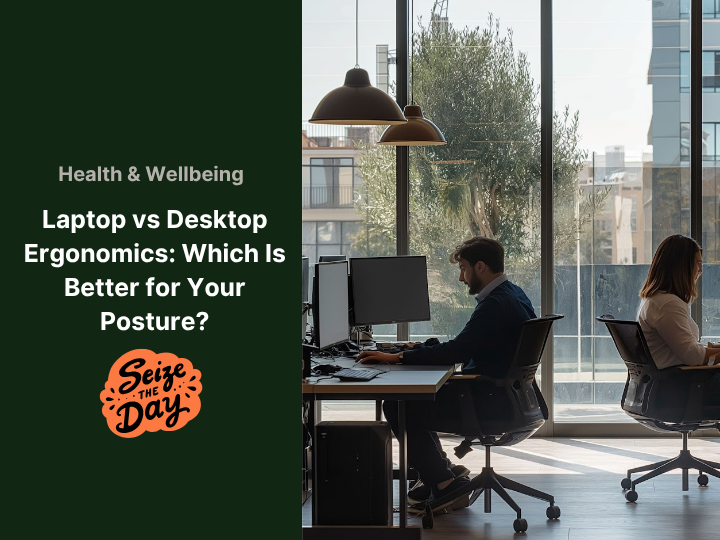
You know that feeling; you’ve been working away for hours, and when you finally stand up, your shoulders are tight, your back aches, and your neck feels like it’s made of stone. Not ideal. Especially if you’re working from home and this is just a regular Tuesday.

The thing is, your computer setup might be quietly messing with your health. So let’s talk about the battle of the tech setups: laptop vs desktop. Is one actually better for your posture and well-being? Let’s dig in.
Let’s Start with the Basics: What Is Ergonomics?
Put simply, ergonomics is about making your workspace fit you, not the other way around. It’s about working in a way that doesn’t wreck your body over time.
A good setup helps you avoid things like stiff necks, sore wrists, back pain, and the kind of tension that sends you running for a massage (or the sofa). Bad ergonomics, on the other hand? That’s how small aches turn into long-term issues.
So, yes, it matters. A lot.
Laptops: Great for Flexibility, Not So Great for Your Spine
We love a good laptop. It’s portable, it’s sleek, and you can take it anywhere, like to bed, café, garden… the possibilities are endless. But that flexibility comes with a cost.
Because the screen and keyboard are stuck together, using a laptop usually means bending your neck or curling your shoulders just to see what you’re typing. Do that every day and your body’s going to start complaining — loudly.
But don’t panic. You don’t need to toss your laptop into the sea.
Here’s a better idea:
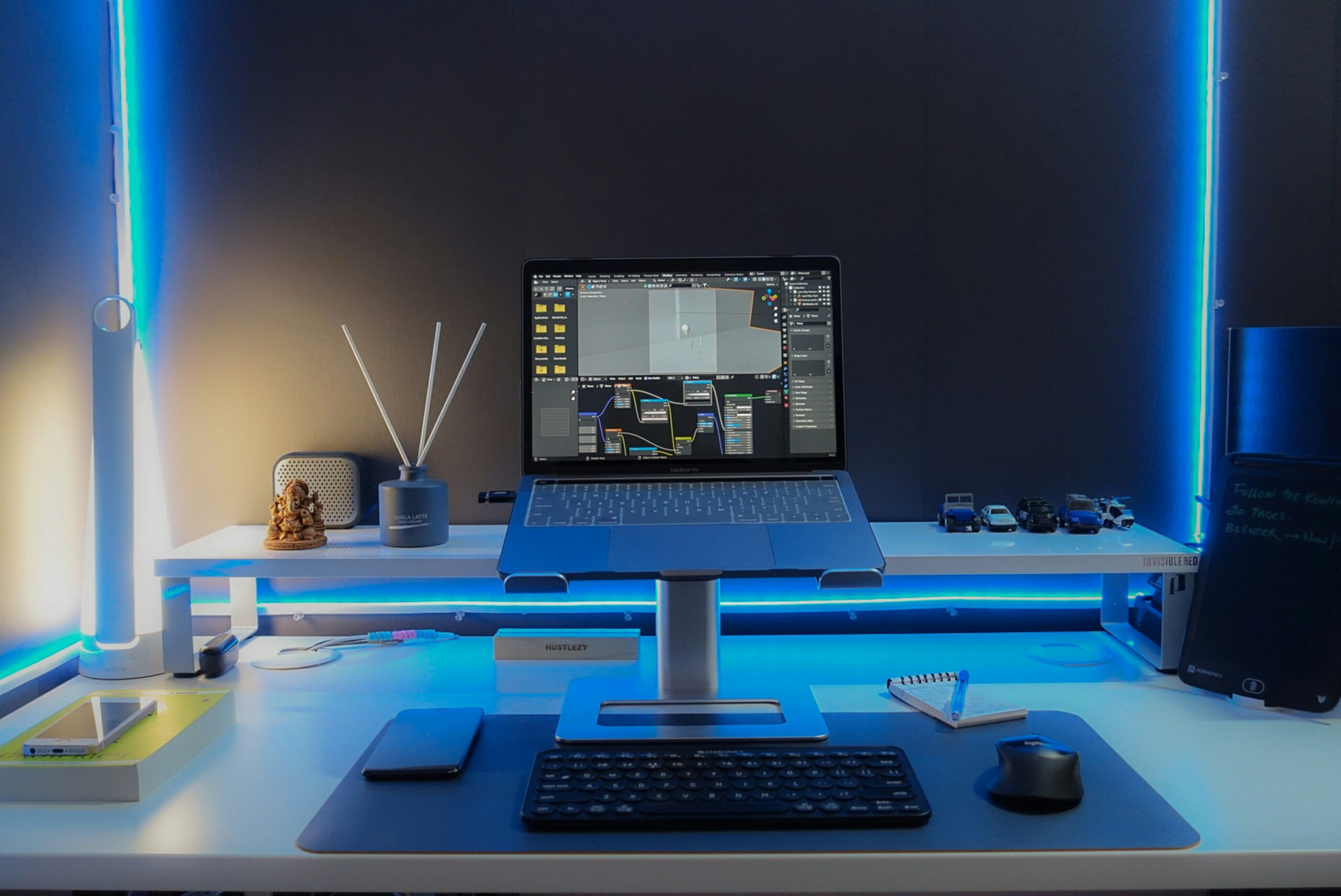
If you’re working from home, treat your laptop like a desktop. That means setting it up properly, not just plonking it on the nearest surface. A simple laptop stand to lift your screen, an external keyboard so your shoulders can relax, and a separate mouse to keep your wrists in a natural position… It’s not overkill, it’s self-care.
It might sound like a small shift, but your body will clock the difference almost immediately. Less hunching. Less tension. Less of that “Why does my neck feel like it’s aged ten years?” moment at 5 p.m.
Desktops: Not Trendy, But Definitely Kind to Your Body
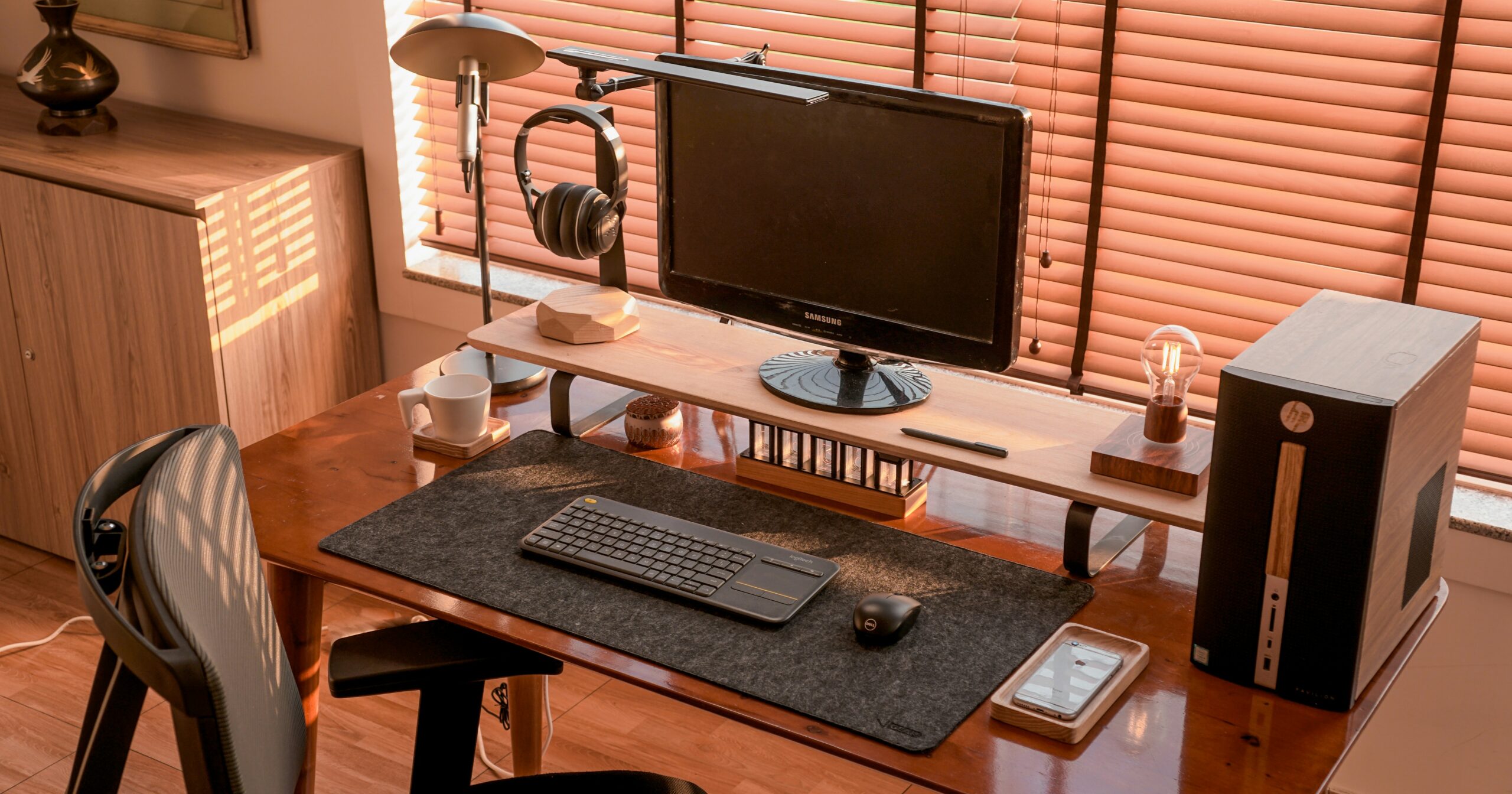
Desktops might not win any points for coolness or convenience, but when it comes to posture? They’re the quiet champions.
Because you can separate the screen from everything else, it’s easier to set things up in a way that doesn’t leave you twisted like a pretzel. Pop the monitor at eye level, keep the keyboard and mouse at a comfy height, and your body just works better. No slouching, no straining.
If you’re mostly working in one spot, desktops give you way more room to play with posture-friendly adjustments. And yes, things like an ergonomic chair, a footrest, or even a monitor arm can go a long way.
So… Which One Should You Use?
Here’s the honest answer: it depends on how you work.
-
Always on the move? Stick with your laptop, but give it a health boost with a better setup when you’re working from home.
-
Mostly at one desk? A desktop might serve your body better in the long run.
You don’t have to pick sides forever. Lots of people use both a laptop for flexibility and a well-set-up desk for deep focus days.
The key is to stop ignoring how your body feels. If something’s aching, something’s off.
Upgrade Your Setup (Without Breaking the Bank)
If you’re ready to make your space more posture-friendly, you don’t need to splurge on a full-blown ergonomic throne. Sometimes the smallest tweaks make the biggest difference.
We’ve tested and loved this adjustable laptop stand, it lifts your screen to eye level so your neck can stop doing all the heavy lifting. Pair it with this wireless keyboard and mouse set, and you’ve basically got a portable desktop. Sorted.
Tech Should Work With Your Body, Not Against It
We’re not saying your laptop’s out to get you. But we are saying your setup needs a bit of love if you want to stay pain-free.
Whether you’re typing away on a desktop or lugging a laptop between rooms, the goal is the same: work in a way that feels good now and later. Don’t wait for your back to stage a protest.
So next time you sit down to work, check your setup. Your future self — the one without a crick in the neck — will thank you.