






We now live in an age where everything from lights to security systems can become part of a connected, intelligent system, making life both easier and more efficient. But amidst all the tech jargon and gadgets, where do you even start? Fear not, as we unravel the mysteries of smart home automation for beginners , making it simple for everyone to join in on the smart revolution without feeling overwhelmed. By the end of this guide, you’ll understand the basics of smart hubs, the key devices to consider, how to integrate them, and useful tips to make your home smarter, step by step.
Understanding Smart Home Automation
First things first, what exactly is smart home automation? Simply put, smart home automation is the use of internet-connected devices to enable remote management and monitoring of your home systems. These systems range from lighting and thermostats to security cameras and even household appliances. Imagine having your coffee ready when you wake up, the blinds adjusting with the sunlight, or receiving alerts about your doorbell on your phone—all seamlessly integrated.
The Basics: How to Start Your Smart Home Journey?
Starting a smart home adventure can feel like diving into a tech ocean. But every journey begins with a single step. Here are the essentials to get you paddling in the right direction:
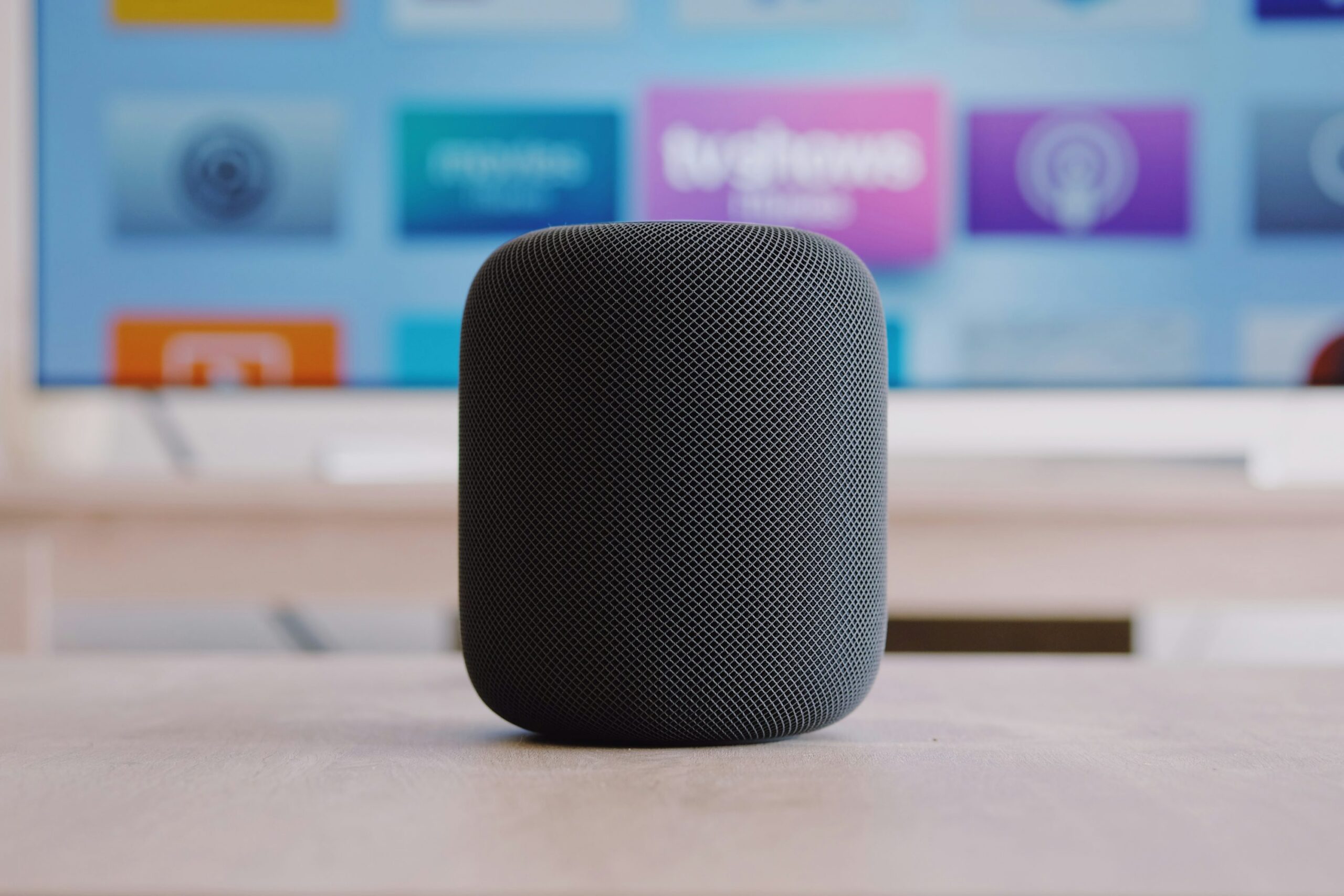
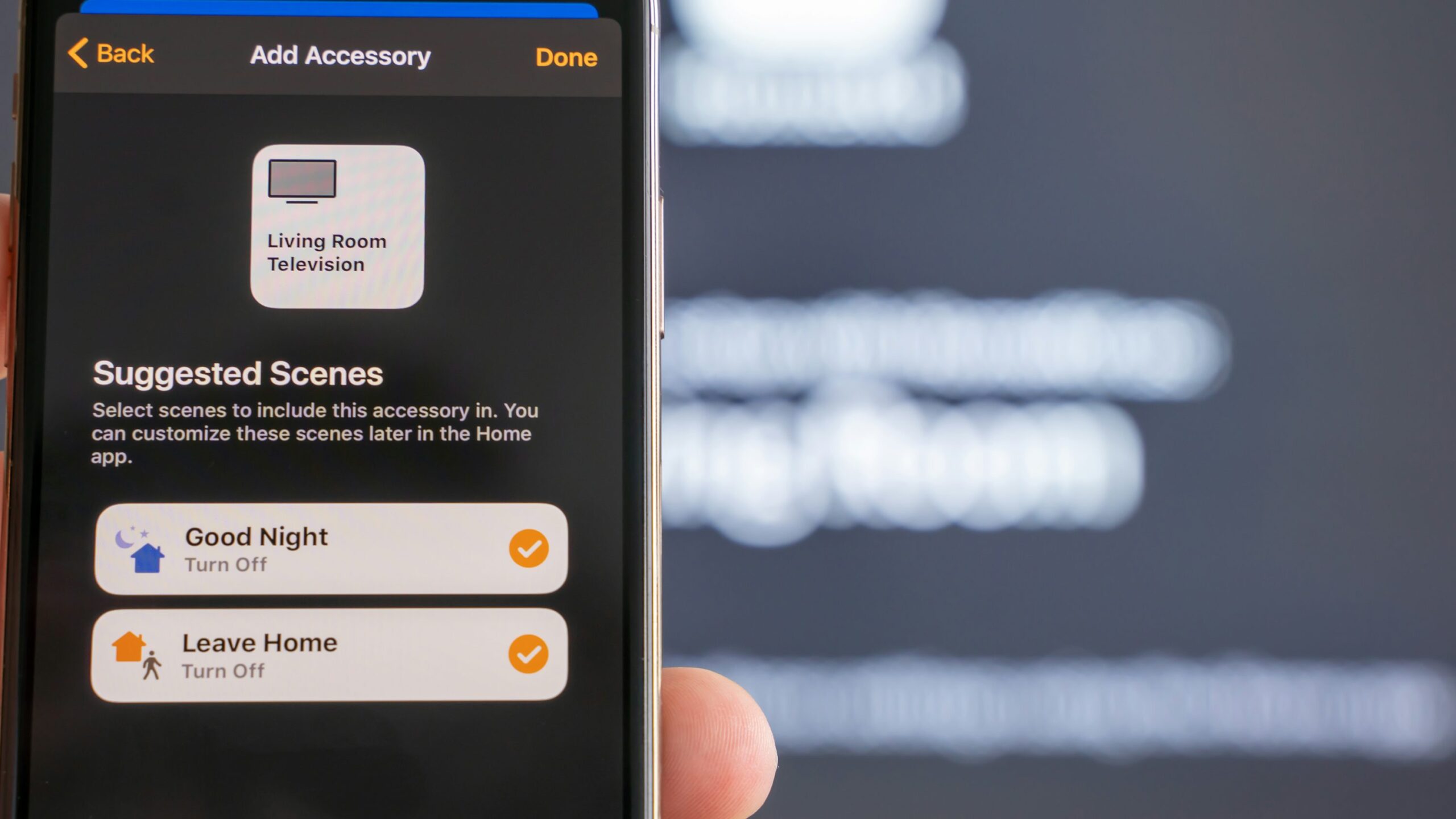
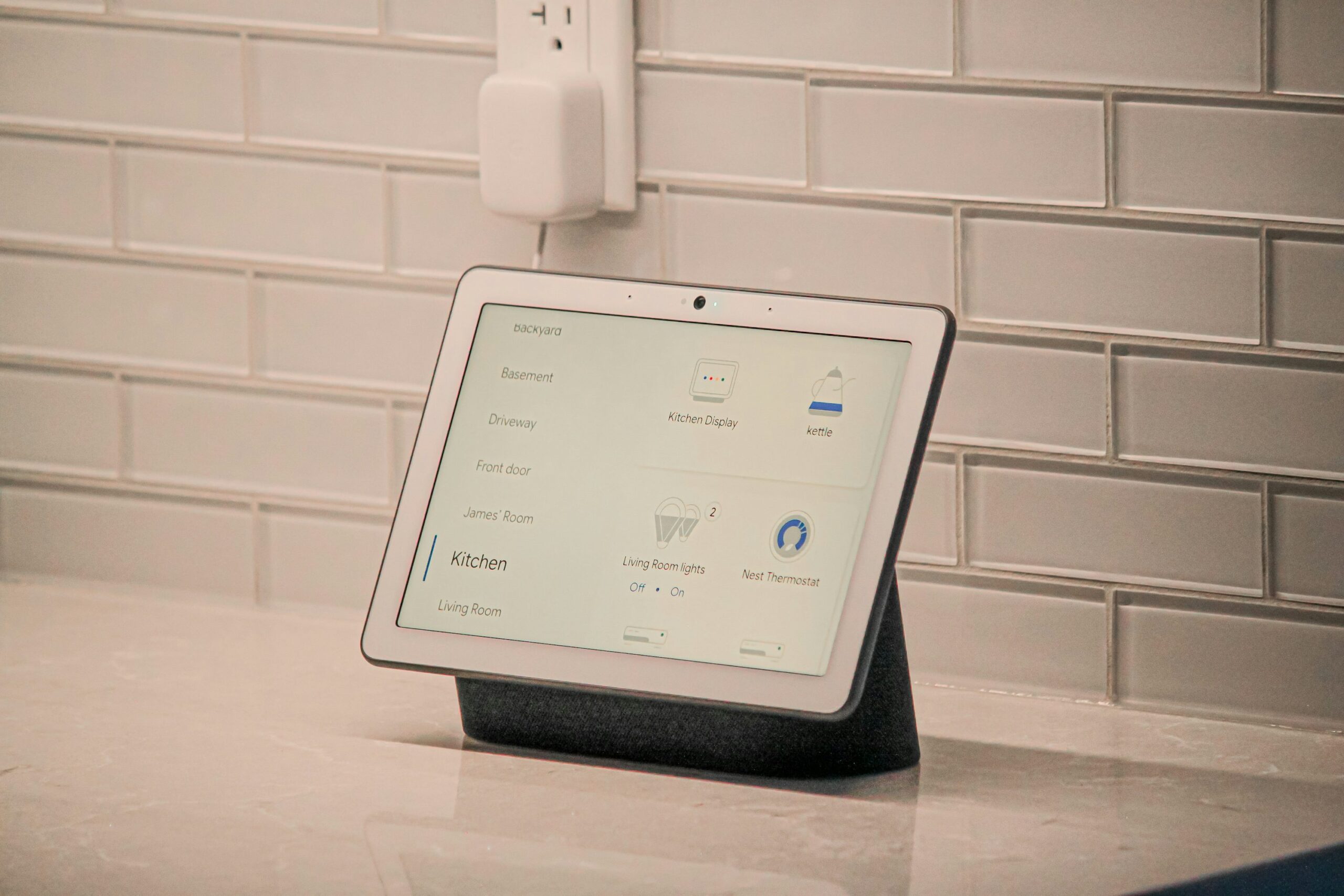
- Choose a Smart Hub: The hub is the brain of your smart home. It’s where all your smart devices will connect and communicate. There are various hubs on the market like Google Nest , Amazon Echo, and Apple HomeKit , each with strengths and compatibility features. Your choice might depend on whether you’re already committed to a specific tech ecosystem. For example, you may enjoy using Apple computers and have an iPhone, but also regularly use Google Chrome Cast. You may want to go for one with the most compatibly as it will be the centre of your system.
- Prioritise Essential Devices: While the possibilities seem endless, begin with core devices that provide maximum impact. Lighting systems such as Philips Hue bulbs can set moods with ease. Smart speakers not only play music but also allow voice control over your devices. Don’t forget about smart plugs that can automate any appliance, bringing them into the fold without any hefty investment.
Integration: Making Everything Work Together
Pairing devices is only half the task; integration ensures they work in harmony. The key to a seamless smart home is interoperability, which refers to the ease with which devices from different brands and platforms work together.
- Utilise IFTTT (If This Then That): A handy tool for beginners, IFTTT allows you to create simple automation scripts called ‘applets’ that coordinate actions between different devices or services. For example, you could automate your lights to turn on when your phone’s GPS detects you’re returning home. IFTTT can serve as a bridge between gadgets that don’t have out-of-the-box compatibility.
- Google Home and the Smart Life App is another handy tool for beginners IFTTT feels a bit too technical. Both Apps allow you to set schedules and provides an easy to use Dashboard for turning off and on your devices.
- Regular Updates and Maintenance: Like any tech, your system will require updates. These updates introduce new features or fix security vulnerabilities. Keeping your devices up-to-date ensures they deliver optimum performance and stay secure from potential breaches. It’s also a good practice to review your automation rules periodically to see if they still meet your needs.
**
Daily Life: Saving Money and Energy
It’s no secret that smart home automation promises convenience, but it also offers significant savings, especially for energy-conscious homeowners. According to a study by the Consumer Technology Association , smart thermostats can save around 10%-12% on heating bills and 15% on cooling bills, paying for themselves over time. Smart bulbs and plugs help you track consumption and save energy by ensuring devices are off when not in use. The control you gain extends to security, where smart cameras and sensors keep an eye on things, giving peace of mind and potentially lowering insurance premiums.
Tip: Enhance Your Smart Setup
Personalising your smart home doesn’t have to be complex. Here are a few tips to add a touch of sophistication and efficiency:
- Leverage Voice Assistants: Make use of voice assistants like ChatGPT, Alexa or Google Assistant for hands-free control. From playing your tunes to checking the weather, these assistants are continually expanding their capabilities, giving you more perks for minimal effort.
- Create Scenes for Different Moods: Most smart hubs allow you to configure scenes—predefined settings for lights, temperature, and devices. Imagine a single command that changes your living room from ‘daytime work’ to ‘movie night’ mode. Customisation is your friend, and the possibilities are as wide as your creativity. Like dark mode and light mode on your mobile, we love this idea! 💙
- Prioritise Safety: Since a smart home relies heavily on your home network, ensure your router is secure. Think complex passwords, firmware updated, and consider creating a separate network for guests to prevent unauthorised access. Nothing worse then someone else tampering or reconfiguring your entire setup! If you want to know more about a secure setup read our other post: Smart Home Security
And there you have it! Now you can pull back the curtains on the idea of a modern home and dive into this new reality headfirst, armed with the basic information and a touch of playful curiosity. Get ready to turn your home into a futuristic wonderland, impressing guests and improving your own daily life, too. Be warned, it gets addictive!